Introduction: Why Data Visualization Depends on APIs More Than Ever
Modern organizations don’t struggle with a lack of data.
They struggle with connecting it, controlling it, and visualizing it in a meaningful way.
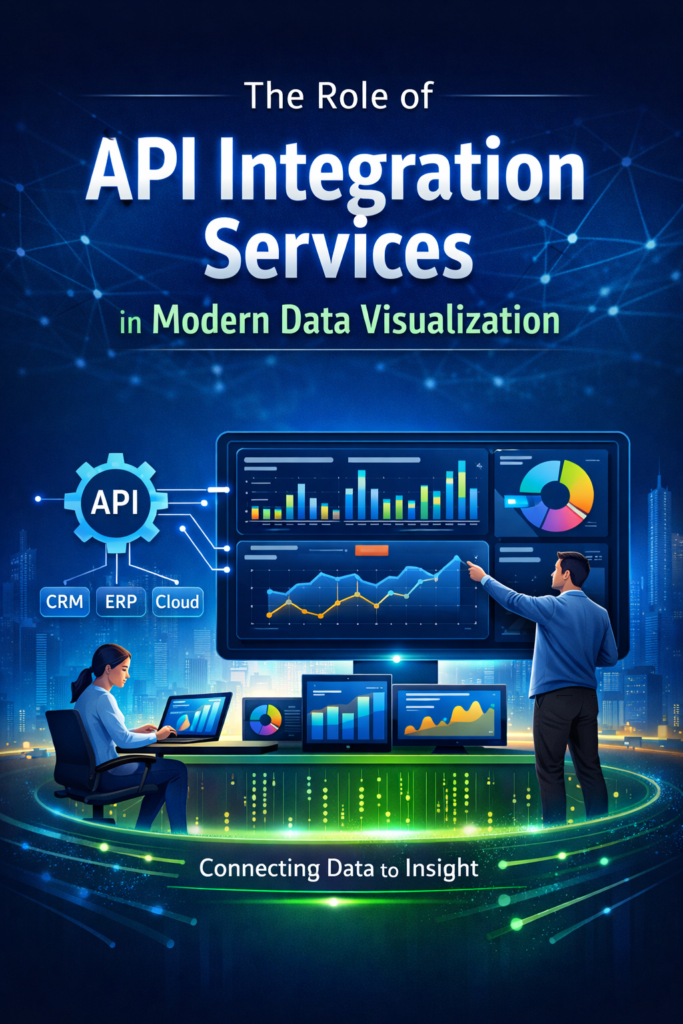
As businesses adopt multiple platforms — CRMs, marketing tools, ERP systems, cloud databases — the need for API integration services becomes critical. APIs act as the connective layer that allows data to flow seamlessly into dashboards, analytics platforms, and executive reports.
At Visualizexpert, we see API integration as the foundation of effective data visualization services. Without it, dashboards are delayed, incomplete, or misleading. With it, leaders get timely, accurate, and actionable insights — exactly when they need them.
What Is an API and Why It Matters for Data Visualization
An API (Application Programming Interface) defines how one system communicates with another. In analytics and BI, APIs enable tools like Power BI, Tableau, and Looker Studio to pull data from multiple sources in a controlled and scalable way.
Instead of manually exporting files or relying on static reports, APIs allow:
- Automated data refresh
- Real-time or near–real-time updates
- Consistent data definitions across dashboards
This is especially important when building interactive business dashboards that decision-makers rely on daily.
Why Businesses Use API Integration for Data Visualization
Organizations working with Visualizexpert typically turn to API-driven analytics for four core reasons:
1. Unified Access to Disparate Data Sources
APIs make it possible to bring together data from:
- CRM systems
- Marketing platforms
- Financial databases
- Cloud data warehouses
This unified access enables enterprise data visualization without forcing teams to manage fragmented datasets manually.
2. Greater Control Over What Gets Visualized
With APIs, data teams can filter, aggregate, and transform data before it reaches the dashboard.
This ensures:
- Cleaner metrics
- Faster dashboards
- Fewer inconsistencies across reports
This level of control is essential for executive analytics dashboards and KPI reporting.
3. Improved Accuracy and Trust in Reports
When dashboards pull directly from source systems via APIs, the risk of outdated or mismatched data drops significantly.
This builds confidence in data-driven decision making, especially for leadership teams.
4. Performance and Scalability
Large datasets can overwhelm BI tools if not handled correctly. APIs allow businesses to:
- Optimize queries
- Limit unnecessary data pulls
- Improve dashboard performance
This is critical for real-time data dashboards and operational reporting.
How API Integration Services Improve BI Performance
API Integration Services for Scalable Analytics (H2)
At Visualizexpert, our API integration services are designed to support growth — not just reporting.
We focus on:
- Secure API connections
- Optimized data pipelines
- Scalable data models
This ensures BI platforms like Power BI and Tableau can handle increasing data volumes without performance degradation.
Our approach supports:
- Power BI integration services
- Tableau data integration
- Cloud data warehouse integration
The result is analytics infrastructure that grows with your business.
API Integration in Power BI, Tableau, and Looker Studio
Different BI tools leverage APIs in different ways:
Power BI
APIs enable:
- Automated refresh schedules
- DirectQuery optimization
- Embedded analytics for applications
This supports advanced use cases like Power BI dashboards, Power BI data modeling, and Power BI KPI tracking.
Tableau
API integration enhances:
- Live data connections
- Multi-source blending
- Interactive storytelling
This is key for Tableau dashboard services and high-impact visual narratives.
Looker Studio
APIs unlock:
- Marketing and SEO dashboards
- Real-time campaign tracking
- Shareable stakeholder reports
This makes Looker Studio ideal for agile, client-facing analytics.
Two Ways to Use APIs for Data Visualization
1. BI Tools with Built-in API Support
Most modern BI platforms allow API connections without heavy development work. This approach is ideal when:
- Speed matters
- Use cases are well-defined
- Data sources are standardized
It’s commonly used for BI dashboard solutions and marketing analytics.
2. Custom API and Data Pipeline Engineering
For complex environments, custom APIs and pipelines offer full control. This approach enables:
- Custom business logic
- Advanced transformations
- Enterprise-grade scalability
Visualizexpert often applies this model for automated data pipeline engineering and large-scale analytics ecosystems.
Best Practices for API-Driven Data Visualization
Based on real-world projects, here are three best practices we follow:
Use Multiple Data Sources Strategically
APIs make it easy to combine datasets — but more isn’t always better. Focus on data that directly supports business outcomes.
Apply Filtering and Aggregation Early
Pre-processing data via APIs improves performance and clarity. Dashboards should answer questions, not overwhelm users.
Balance Historical and Real-Time Data
Not every metric needs to be real-time. APIs allow you to design dashboards that combine trend analysis with live monitoring.
Why Visualizexpert Focuses on API-First Analytics
At Visualizexpert, we believe dashboards are only as good as the data architecture behind them.
Our services combine:
- Business intelligence consulting
- Custom analytics solutions
- Interactive dashboard design
- Data storytelling services
By anchoring everything in API-driven integration, we help organizations move from static reports to decision-ready data visualization.
We don’t just connect data — we design systems that leaders can trust.
Conclusion: API Integration Is the Backbone of Modern BI
Data visualization isn’t about charts.
It’s about clarity, speed, and confidence in decisions.
API integration services make this possible by ensuring data is accurate, timely, and scalable across BI platforms. Whether you’re building executive dashboards or operational analytics, APIs are no longer optional — they’re foundational.
If you’re investing in analytics, investing in the right integration strategy is what separates dashboards that look good from dashboards that actually drive outcomes.
If your dashboards need cleaner data, faster performance, and better integration, see how Visualizexpert delivers API-first data visualization solutions at https://visualizexpert.com/
Leave a Reply